Video
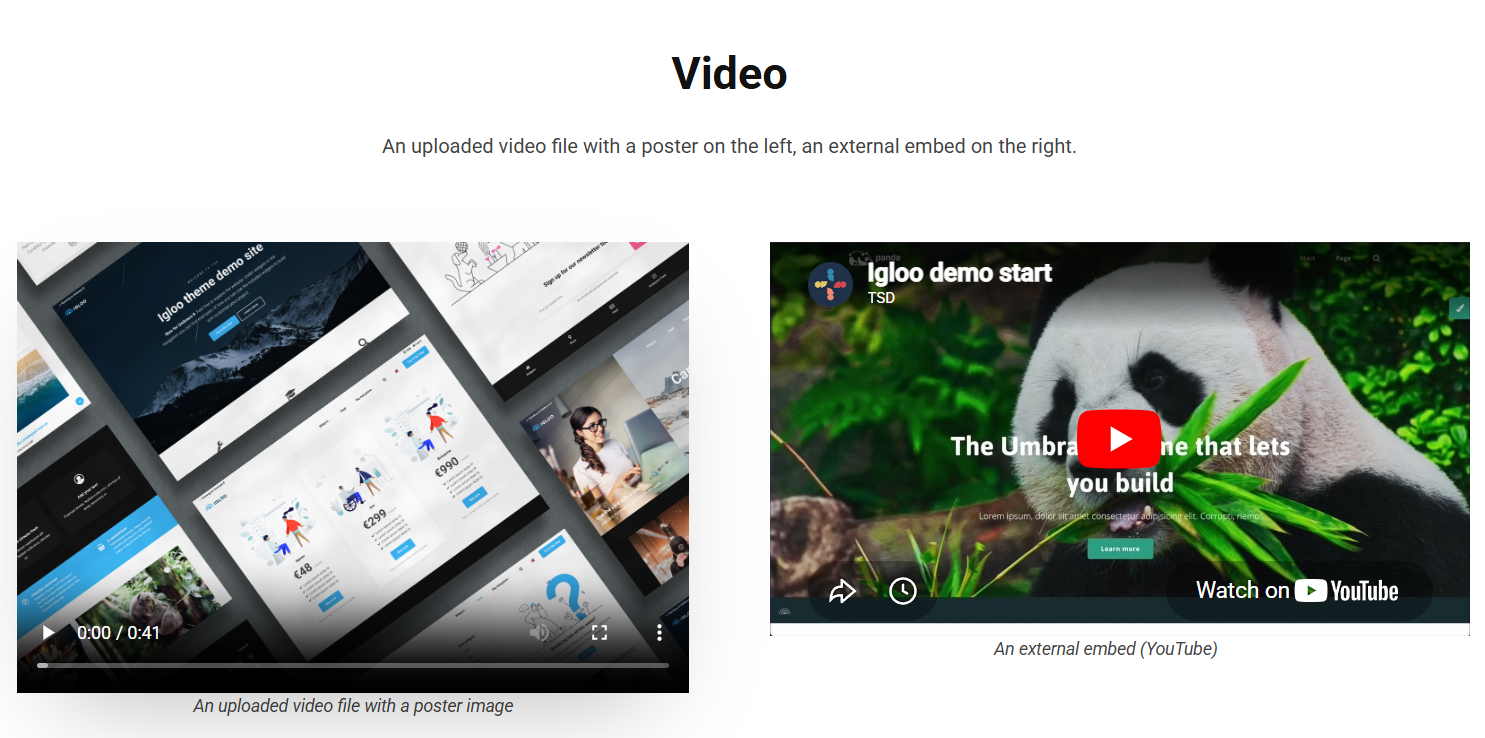
The Video block plays a video on the page — either an uploaded video file or an external embed (e.g. YouTube/Vimeo) — with an optional poster image and caption.
Content
| Property | Description |
|---|---|
| Poster | Cover image shown before the video plays, chosen from the media library. |
| Video | The video file to play, chosen from the media library. |
| Video Embed Code | External video embed code. When set, this plays instead of the selected video file. |
| Caption | Optional caption text shown with the video. |
Settings
| Setting | Description |
|---|---|
| Autoplay | Starts the video automatically on page load. |
| Hide Controls | Hides the player controls. |
| Mute | Mutes the video from the start. |
| Loop | Restarts the video when it finishes. |
| Video Shadow | Adds a shadow beneath the video. |
In addition to the above, the Video block uses the shared common settings and the column span chosen in the grid.