Text
The Text block places a rich text editor on the page for headings, paragraphs, lists, links and inline images. You can optionally add buttons beneath the text.
v13 → v17 change
In v13 the Text widget had a Sidebar Widgets option and a Sidebar Left / Sticky Sidebar layout. There is no separate sidebar in v17. To create a text-plus-sidebar layout, add a Section (a Full Width block) and place two blocks side by side using column spans — for example a Two-thirds Text block next to a One-third block holding your sidebar content.
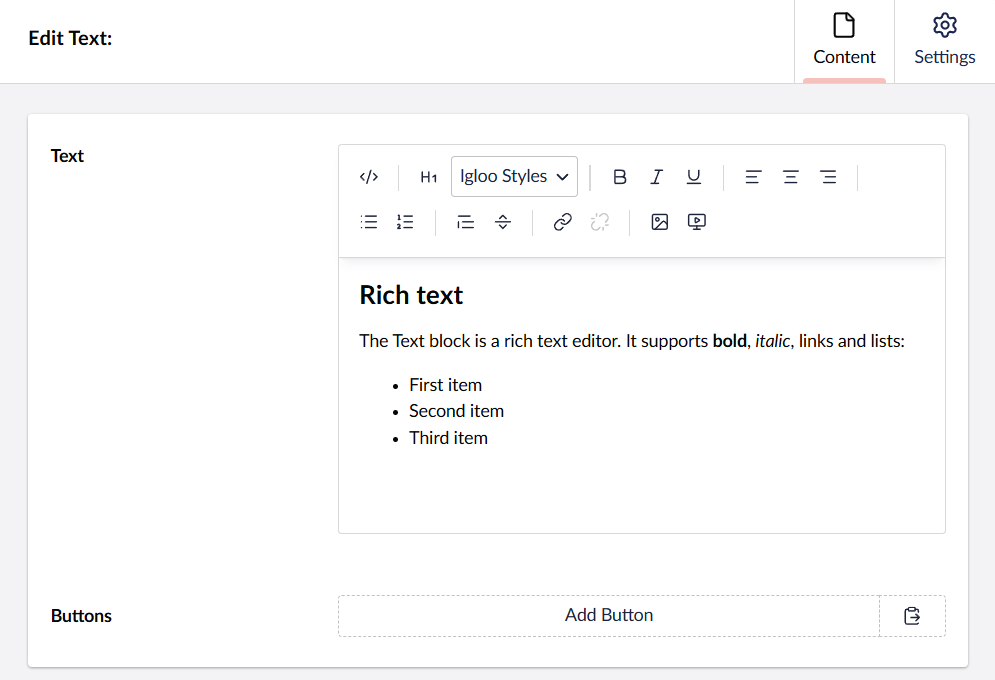
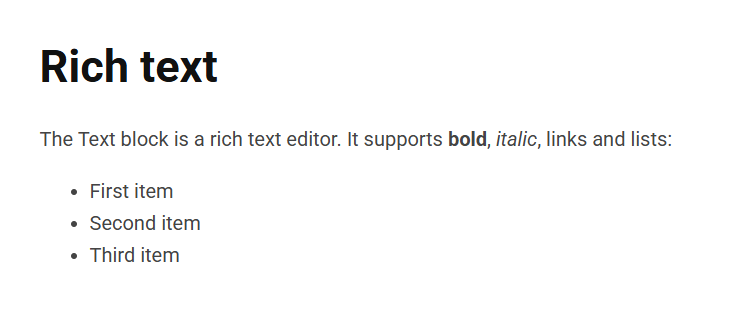
Content
| Property | Description |
|---|---|
| Text | The main body content, edited in a rich text editor (headings, paragraphs, lists, links, inline images). |
| Buttons | An optional list of buttons shown below the text (see Button). |
Settings
The Text block has no settings of its own. It uses the shared common settings and the column span chosen in the grid.