Social Links
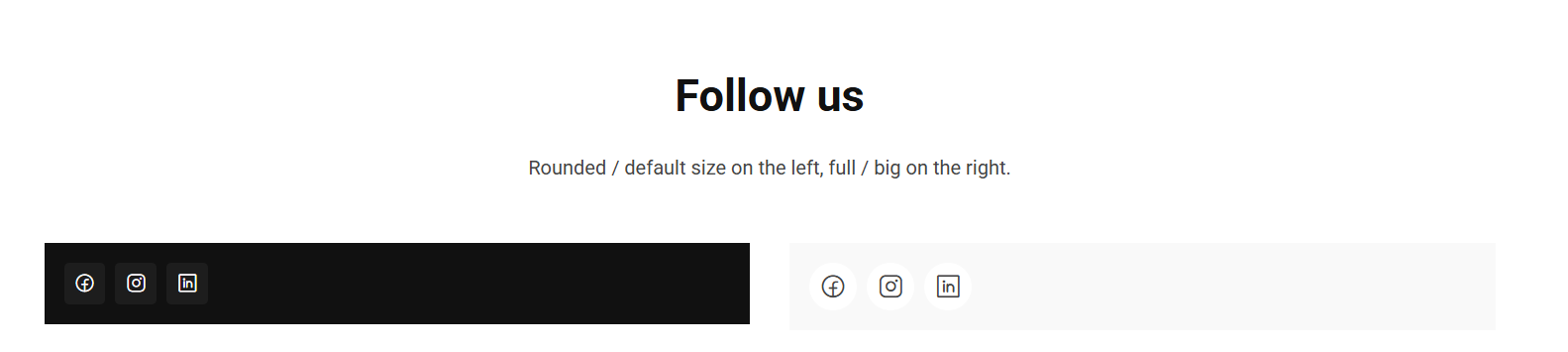
The Social Links block shows a row of icons linking to your social media profiles.
Content
| Property | Description |
|---|---|
| Items | A list of social links. Add, remove and reorder links here; each link has the fields below. |
Each item
| Property | Description |
|---|---|
| Label | A name for the link (e.g. "Facebook"). Required. |
| Url | The full URL to the profile (e.g. https://...). Required. |
| Icon | The icon shown for this link, chosen from the icon picker. Required. |
Settings
| Setting | Description |
|---|---|
| Style | Shape of the icon background. Options: None (default), Rounded, Full. |
| Size | Icon size. Options: Small, Default (default), Big. |
In addition to the above, the Social Links block uses the shared common settings and the column span chosen in the grid.