Logos
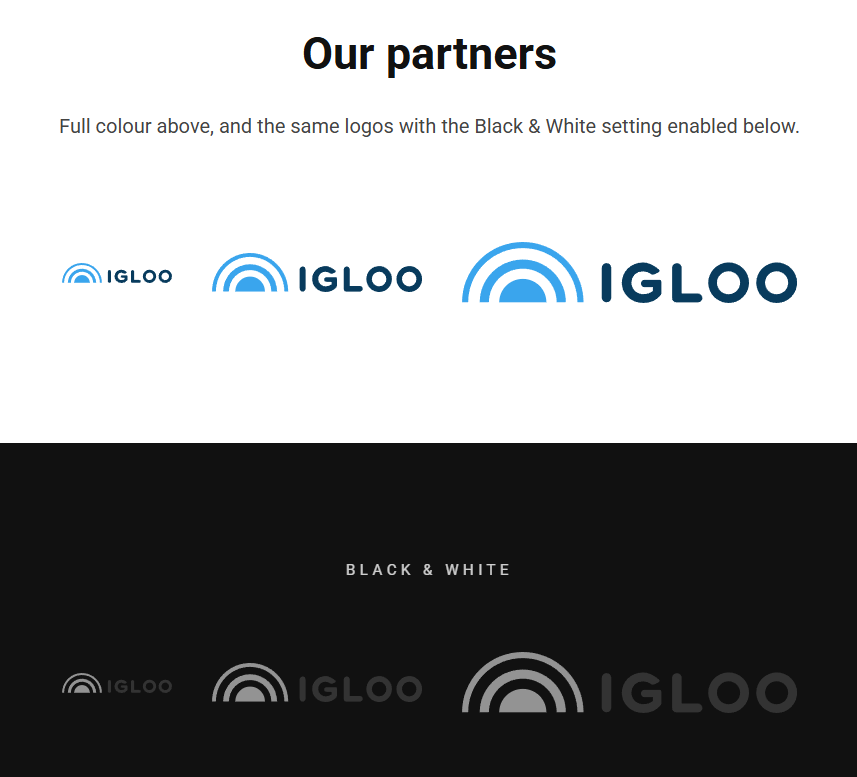
The Logos block displays a row of logos — for client lists, partners, sponsors or accreditations. Each logo can link out and be sized individually.
Content
| Property | Description |
|---|---|
| Items | A list of logos. Add, remove and reorder logos here; each logo has the fields below. |
Each item
| Property | Description |
|---|---|
| Image | The logo image, chosen from the media library. |
| Link | Optional link that makes the logo clickable (content, media, external URL or email). |
| Width | Adjusts the width of this logo, e.g. 120px (the default). |
Settings
| Setting | Description |
|---|---|
| Black & White | Displays the logos in black & white. |
In addition to the above, the Logos block uses the shared common settings and the column span chosen in the grid.