Instagram Feed
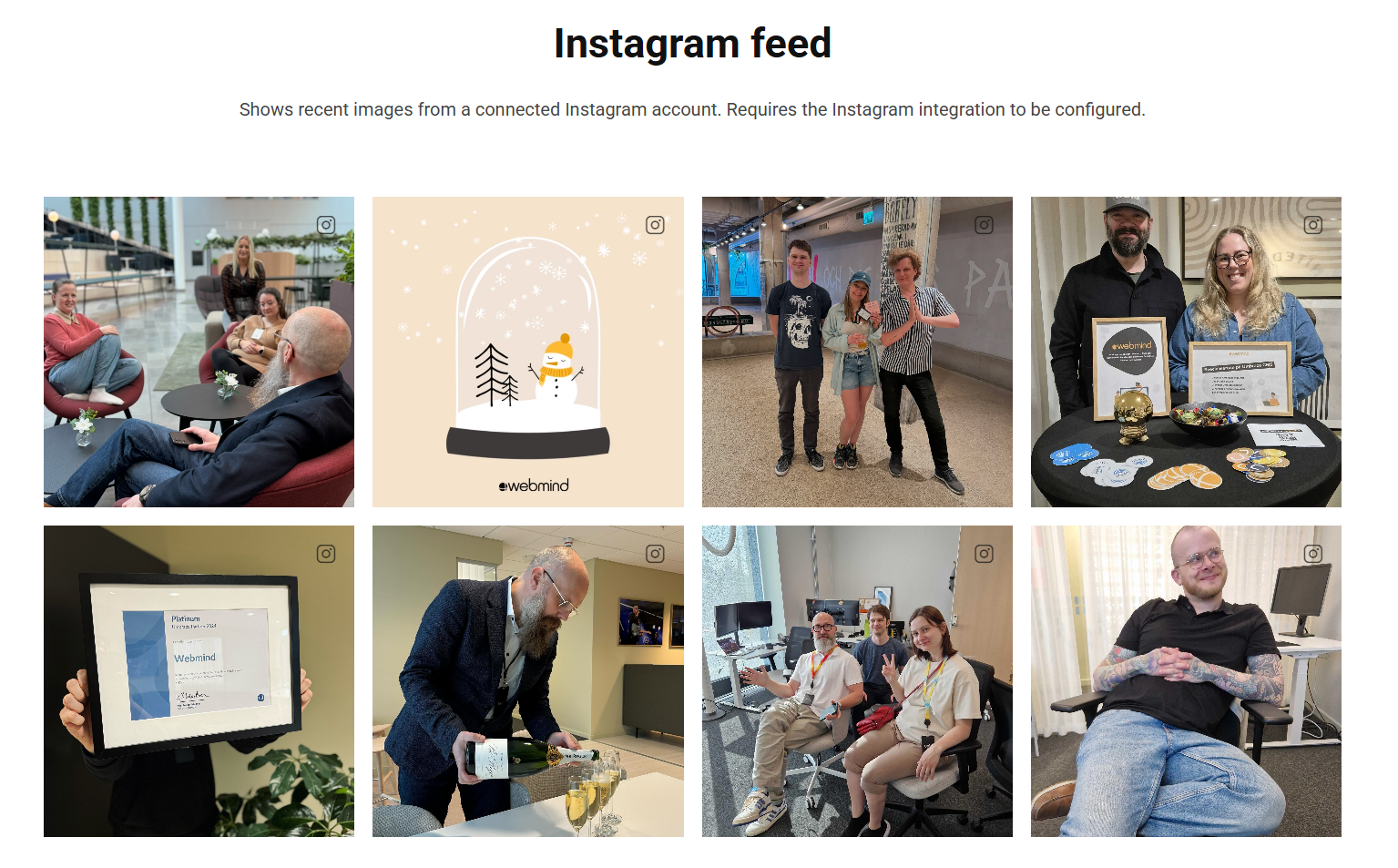
The Instagram Feed block displays recent images from a connected Instagram account.
Images only appear once the Instagram integration has been configured in the site's settings. Without it the block has nothing to show.
Connecting your account
To authorize the site to fetch your media, you'll need to create a Facebook app and add your Instagram user account as a test user.
Follow steps 1 - 5 here: Instagram Basic Display Api : Get Started
Now that you have a short-lived token (1hr) you can follow the steps here: Instagram Basic Display Api : Long-Lived Access Tokens
Depending on whether your user is public or private, you now have an access token that lasts 60 or 90 days.
You will have to manually refresh this token before expiry
If this sounds a little too manual for your liking, you can use a service such as Instant Tokens, which handles the refreshing of the long-lived token for you.
If it is your Instagram account, you can follow the first part of How to display your Instagram feed on a website using Instant Tokens or if it is a client's Instagram account you can follow How to add an Instagram account that you don't have access to
Both will result in providing you the access token from the dashboard. You can copy a url by clicking here:

Or copy the url manually. Visiting that url in a browser window will reveal your token eg
var InstagramToken = 'IGQVJYTGFkZAGlNODFPSUhuRGN5T1NlWmF5V3ZA3RTZAkQ1lDcWJ6ZAllENzRwSThLRDZAGd2xOSlBkY0FHNGZAvZAW5mR25BT200azN4V3pOelRrTUVjMTB6NBdSaE45aGtWMjVlOXJIRzZBb';
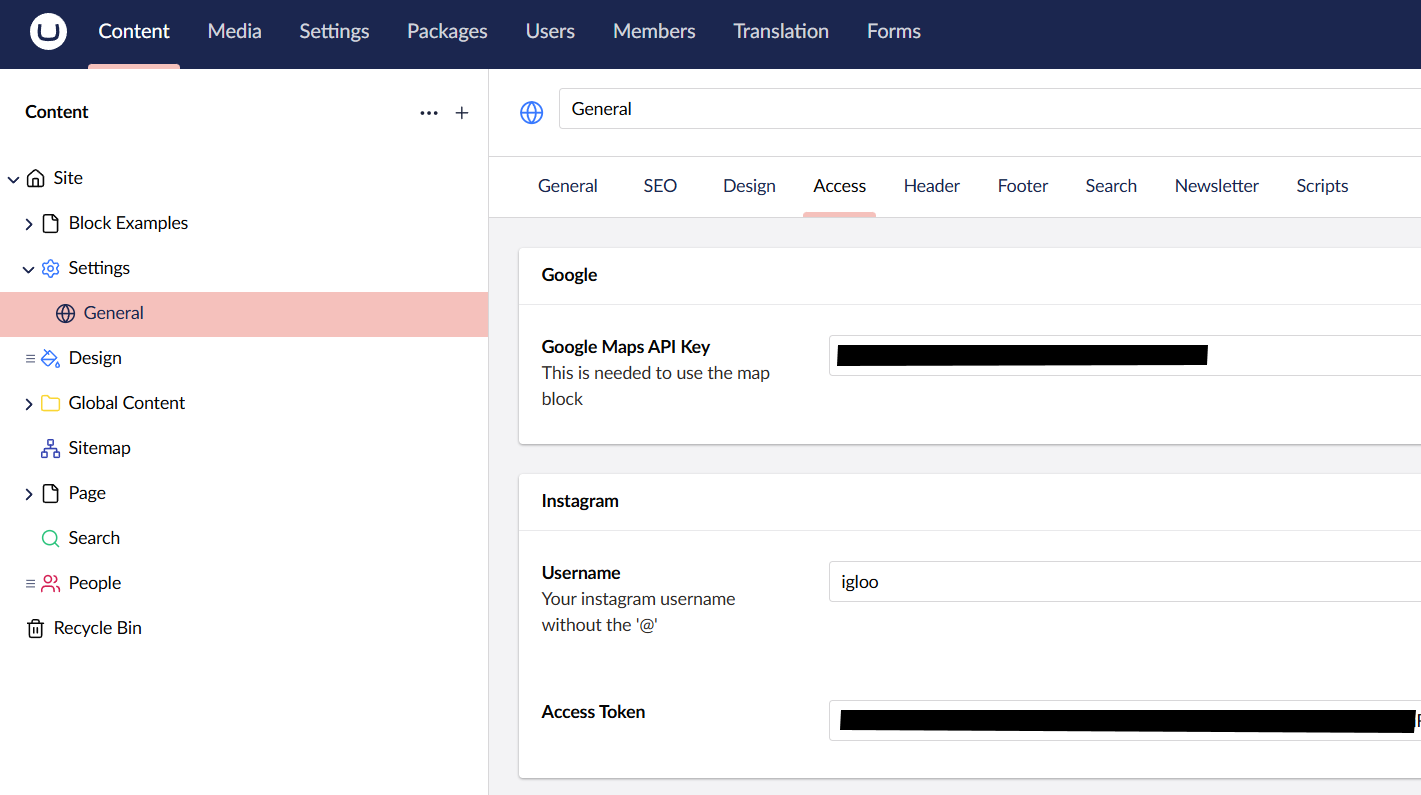
Enter the access token under Settings > General along with your username. Then add the Instagram feed widget where you want the feed to appear on your site.
Content
| Property | Description |
|---|---|
| Image Count | How many images to pull from Instagram. Maximum 25. |
| Link Images | Links each image to its Instagram page. |
| Link to Instagram Account | Adds an Instagram icon to the images, linking to the Instagram account. |
Settings
The Instagram Feed block has no settings of its own. It uses the shared common settings and the column span chosen in the grid.