Group
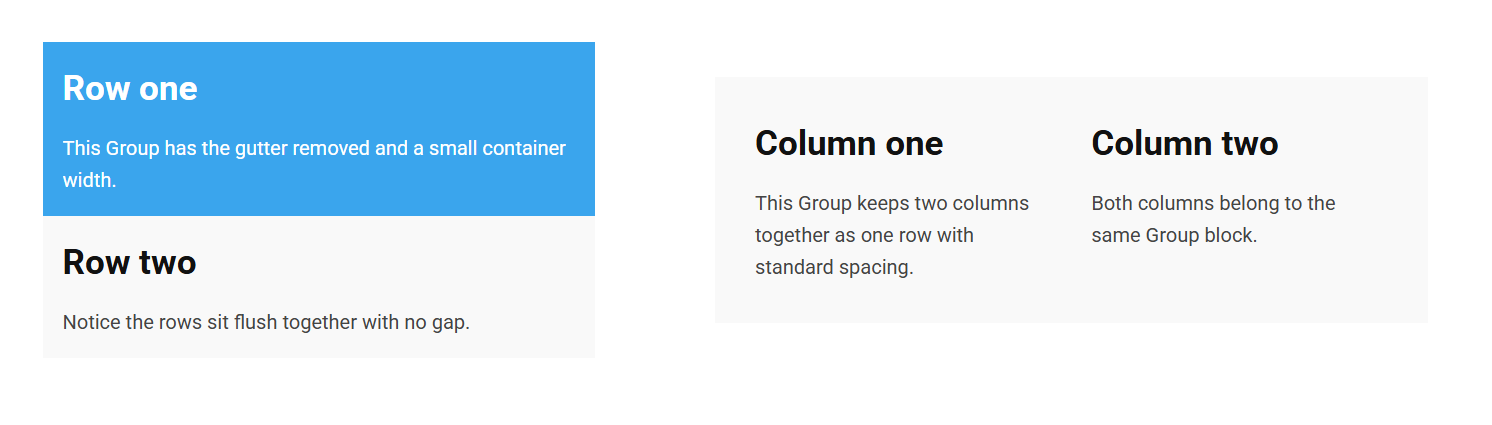
The Group block bundles several blocks together so they behave as a single row. It's useful when you want to keep a set of blocks together, control the spacing between them, or constrain their combined width.
Structure
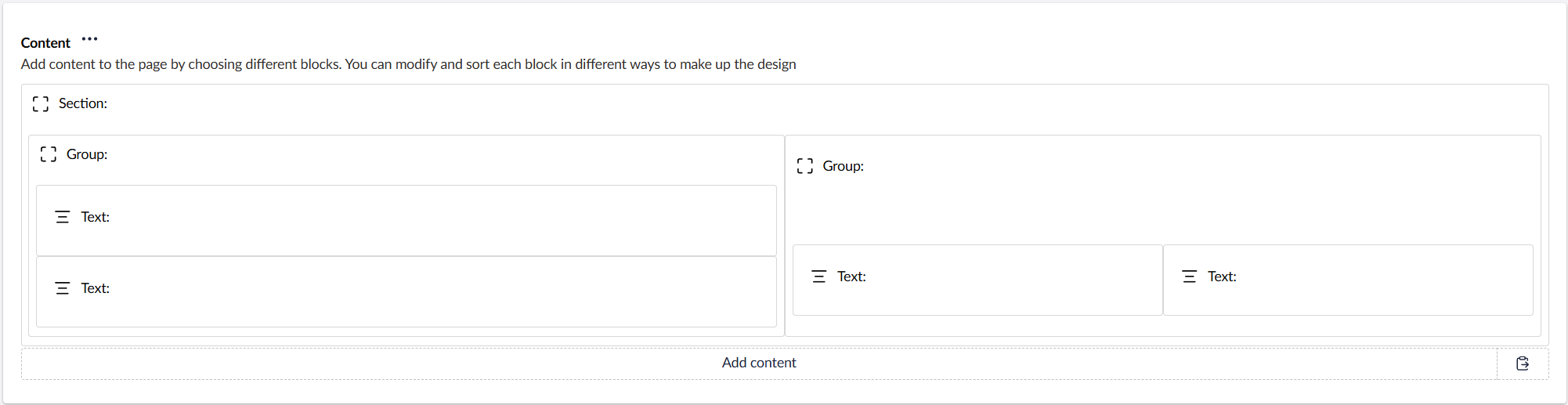
A Group is a container: you drop other blocks inside it, and they lay out on the grid within the Group just as they would on the page.
Content
The Group block has no content fields of its own, add the blocks you want to group inside it.
Settings
| Setting | Description |
|---|---|
| Remove Gutter | Removes the spacing between rows and below columns inside the Group. |
| Container Width | Width of the container the Group sits in. Options: Small, Standard (default), Big, Full width. |
In addition to the above, the Group block uses the shared common settings and the column span chosen in the grid.