Google Map
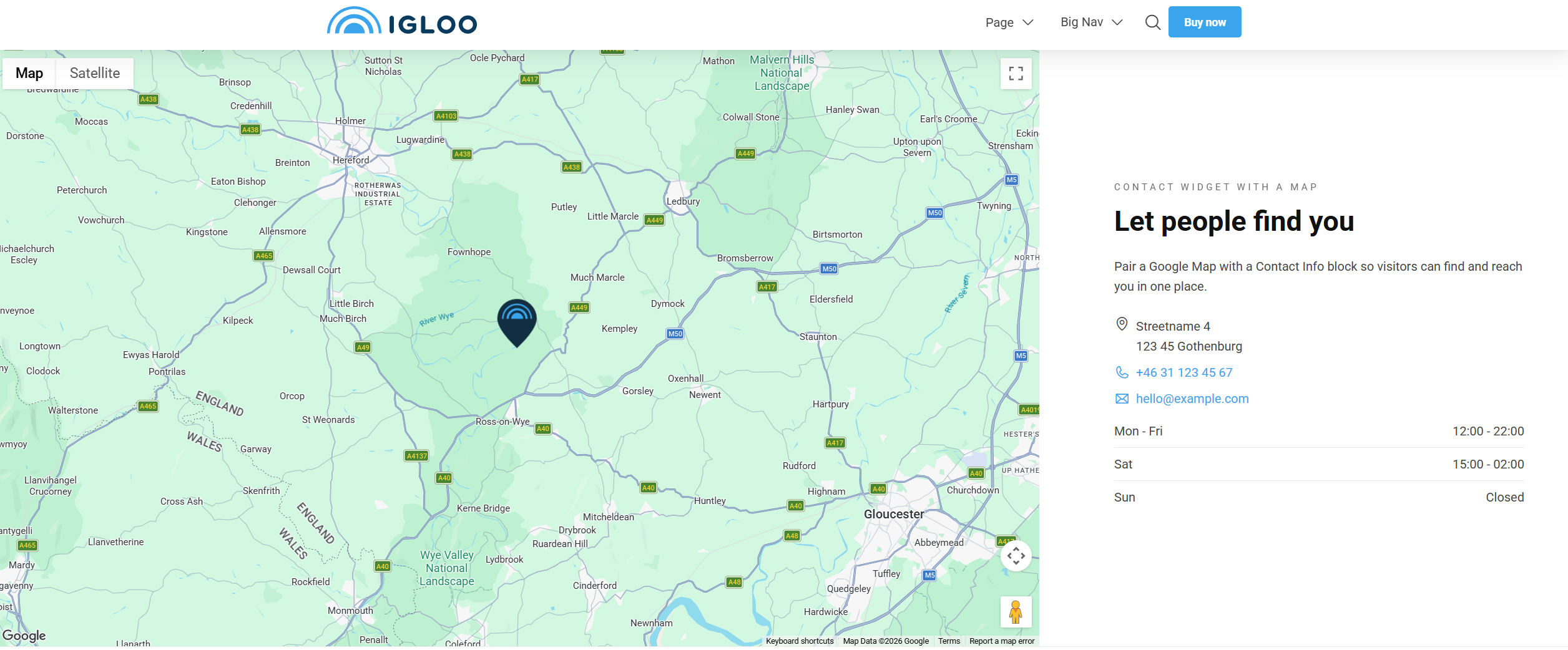
The Google Map block embeds an interactive Google map centred on a location you specify, with an optional custom map pin.
Requires a Google Maps API key
The map only renders once a Google Maps API key has been configured for the site (in the General settings). Without it the map area will be blank.
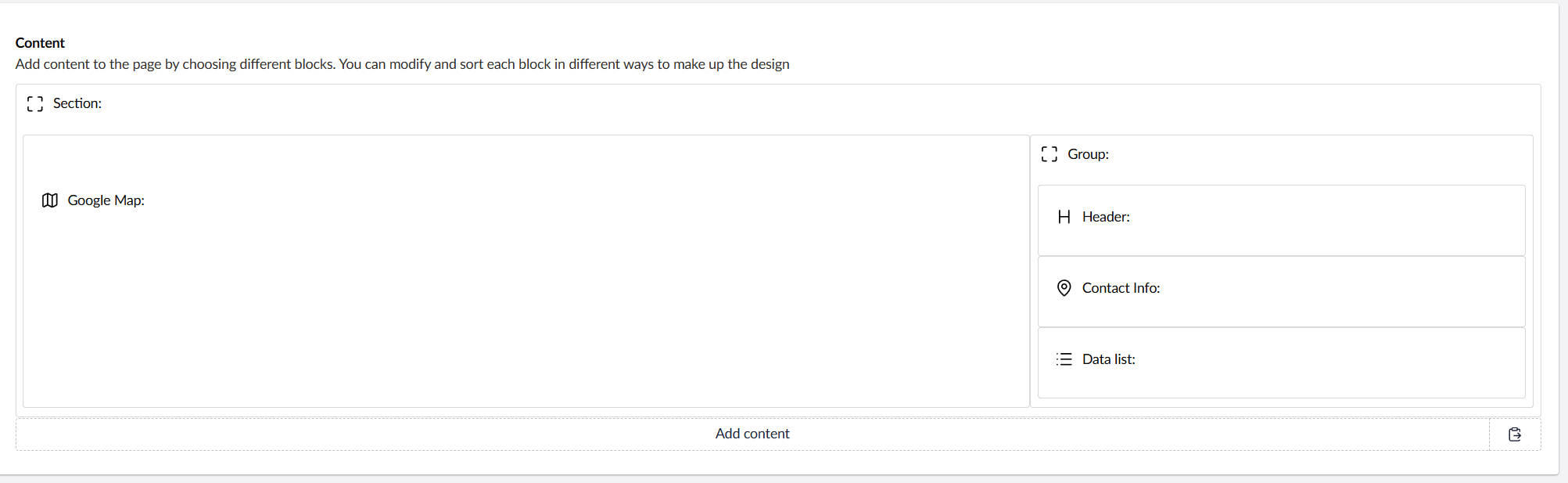
Content
| Property | Description |
|---|---|
| Latitude | The latitude the map is centred on. Required. |
| Longitude | The longitude the map is centred on. Required. |
| Map Zoom | Zoom level from 0–20 (20 is the most zoomed in). Required. |
| Custom Map Pin Icon | An image used as the map pin, chosen from the media library. Leave empty to use Google's default pin; .svg works best. |
Settings
| Setting | Description |
|---|---|
| Height | Sets the map's height as a percentage of the screen height. Options range from 25% to 100% in 5% steps. |
In addition to the above, the Google Map block uses the shared common settings and the column span chosen in the grid.