Section
The Section is the main full-width layout block. It spans the entire width of the page and contains other blocks, giving you a distinct band of content with its own background/palette. Sections are how you divide a page into full-width areas and, within each, build your columns.
In v13, layout came from sidebars and sub-grids. In v17 you add a Section for each full-width band of the page, set its palette/width, then place blocks inside it and resize them to create columns.
Structure
A Section is a container: drop other blocks inside it and they lay out on the 12-column grid within the Section.
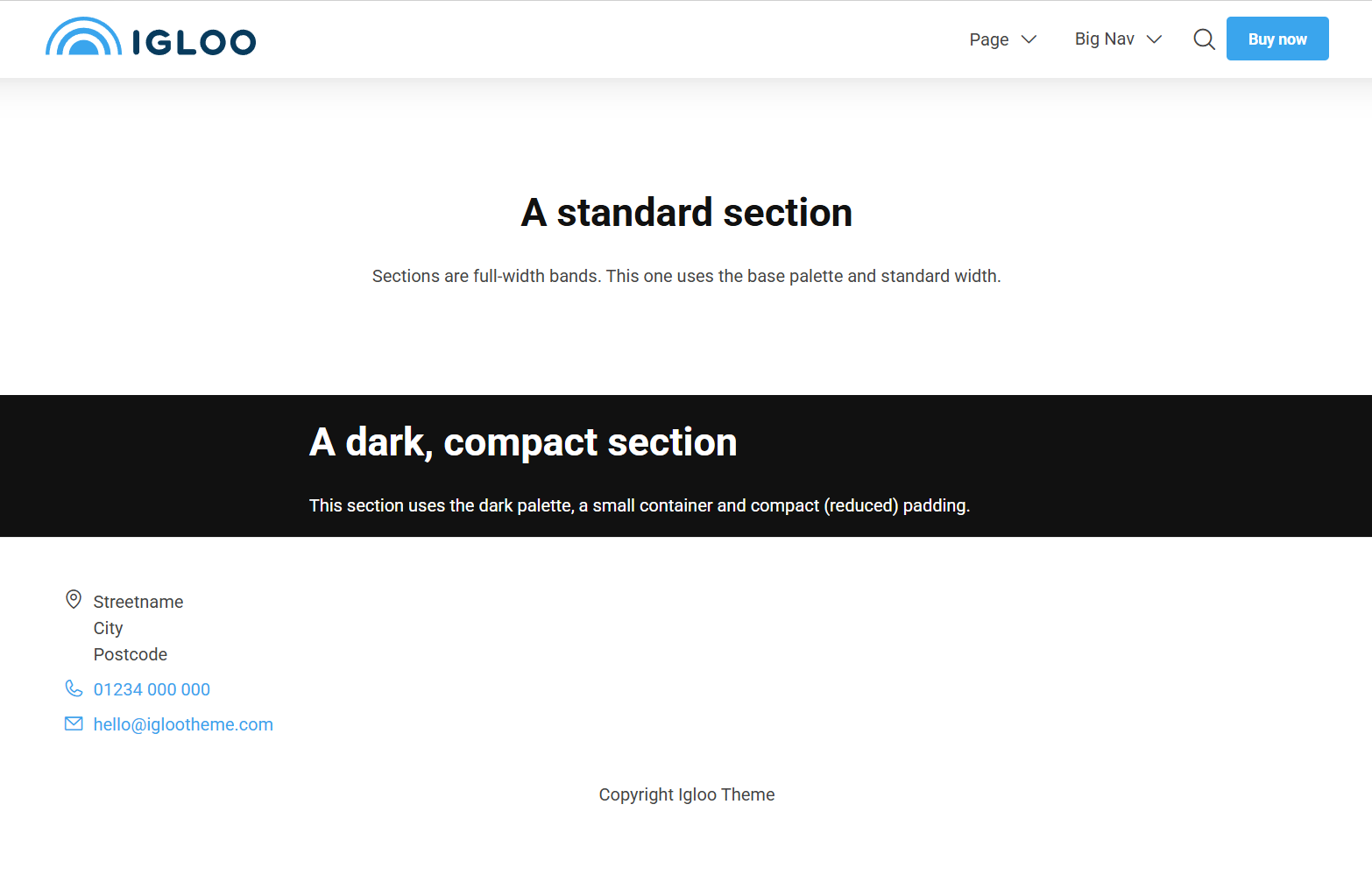
Content
The Section block has no content fields of its own — add the blocks you want the section to contain inside it.
Settings
| Setting | Description |
|---|---|
| Compact | Removes the extra padding above/below the Section. Options: None, Top, Bottom, Both. |
| Remove Gutter | Removes the spacing between rows and below columns inside the Section. |
| Container Width | Width of the content inside the Section. Options: Small, Standard (default), Big, Full width. |
In addition to the above, the Section block uses the shared common settings — the Palette setting is especially useful here for giving a Section its own background and text colours.