Breadcrumbs
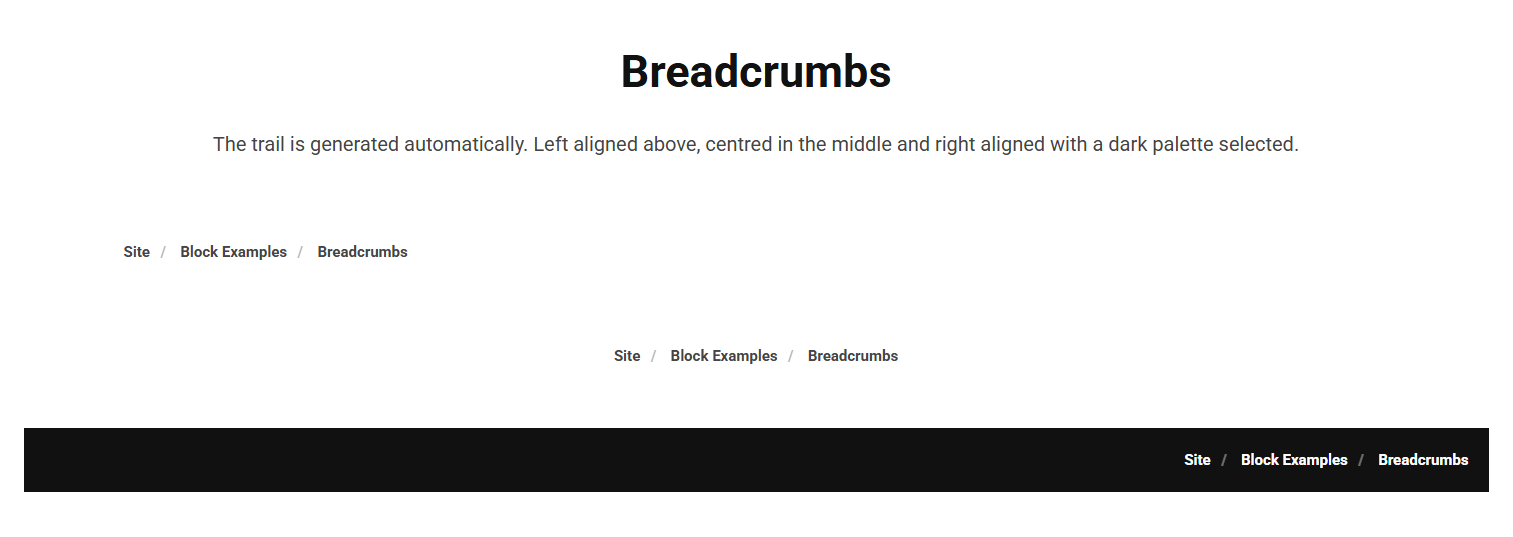
The Breadcrumbs block shows the current page's position in the site hierarchy as a trail of links back to the home page. The trail is generated automatically, there is no content to enter.
Content
The Breadcrumbs block has no content fields; the trail is built automatically from the page's location in the site tree.
Settings
| Setting | Description |
|---|---|
| Alignment | Horizontal alignment of the breadcrumb trail. Options: Left (default), Center, Right. |
| Container Width | Width of the container the trail sits in. Options: Small, Standard (default), Big, Full width. |
In addition to the above, the Breadcrumbs block uses the shared common settings and the column span chosen in the grid.