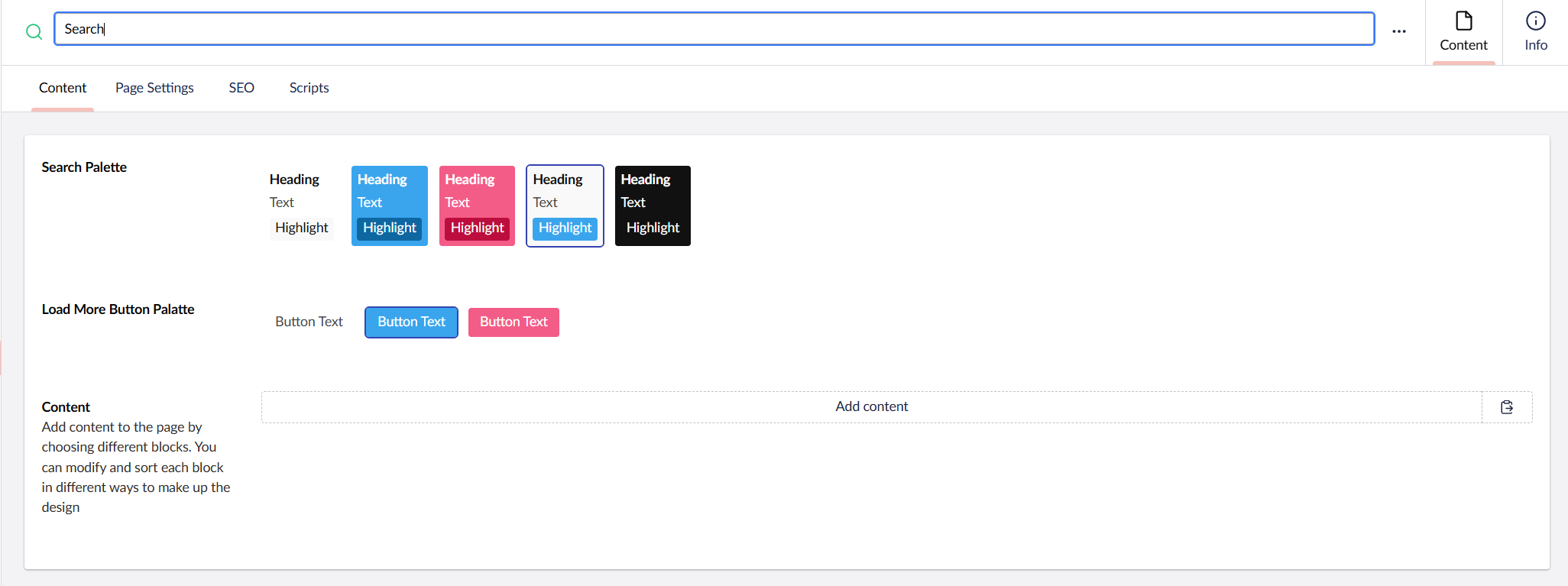
Search
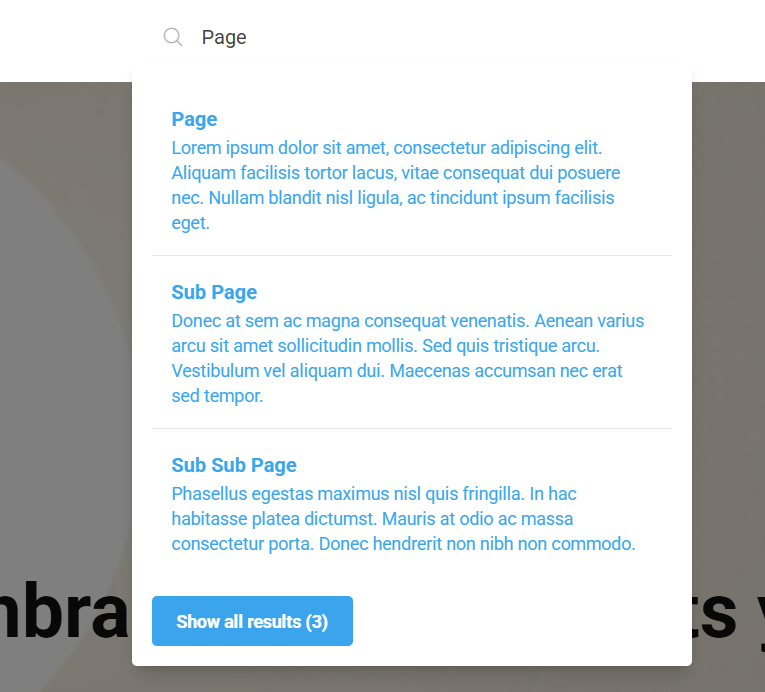
The search is activated when you add the Search node under you Site node. If you would like to disable the search, simply remove the Search node.
Search settings
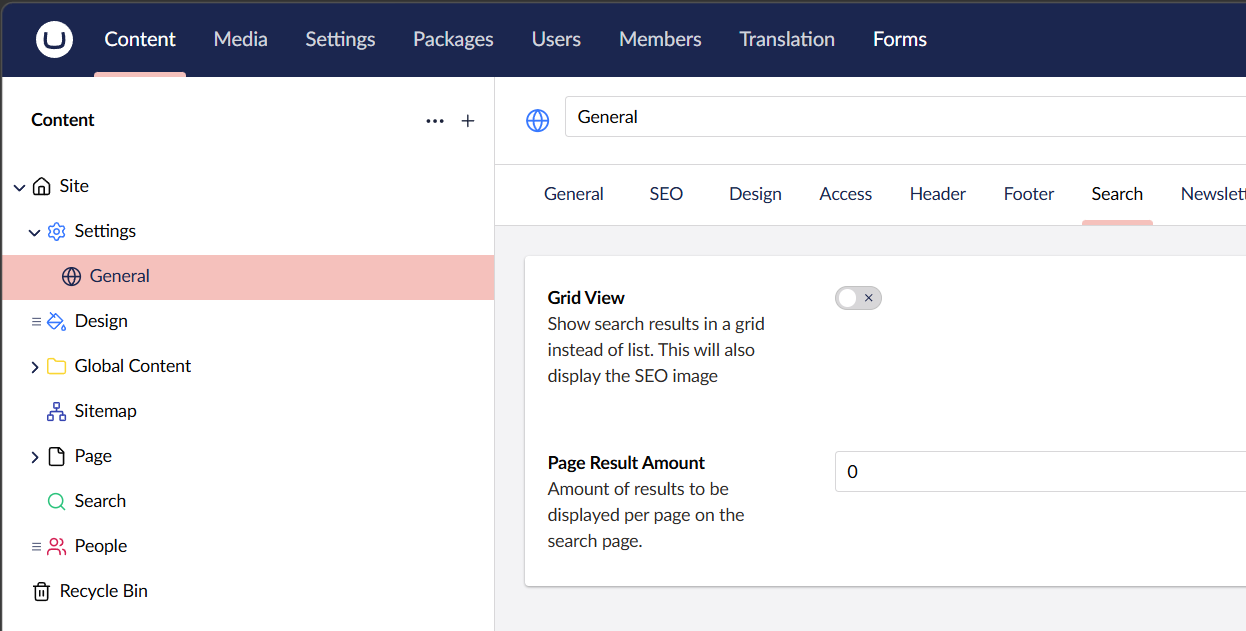
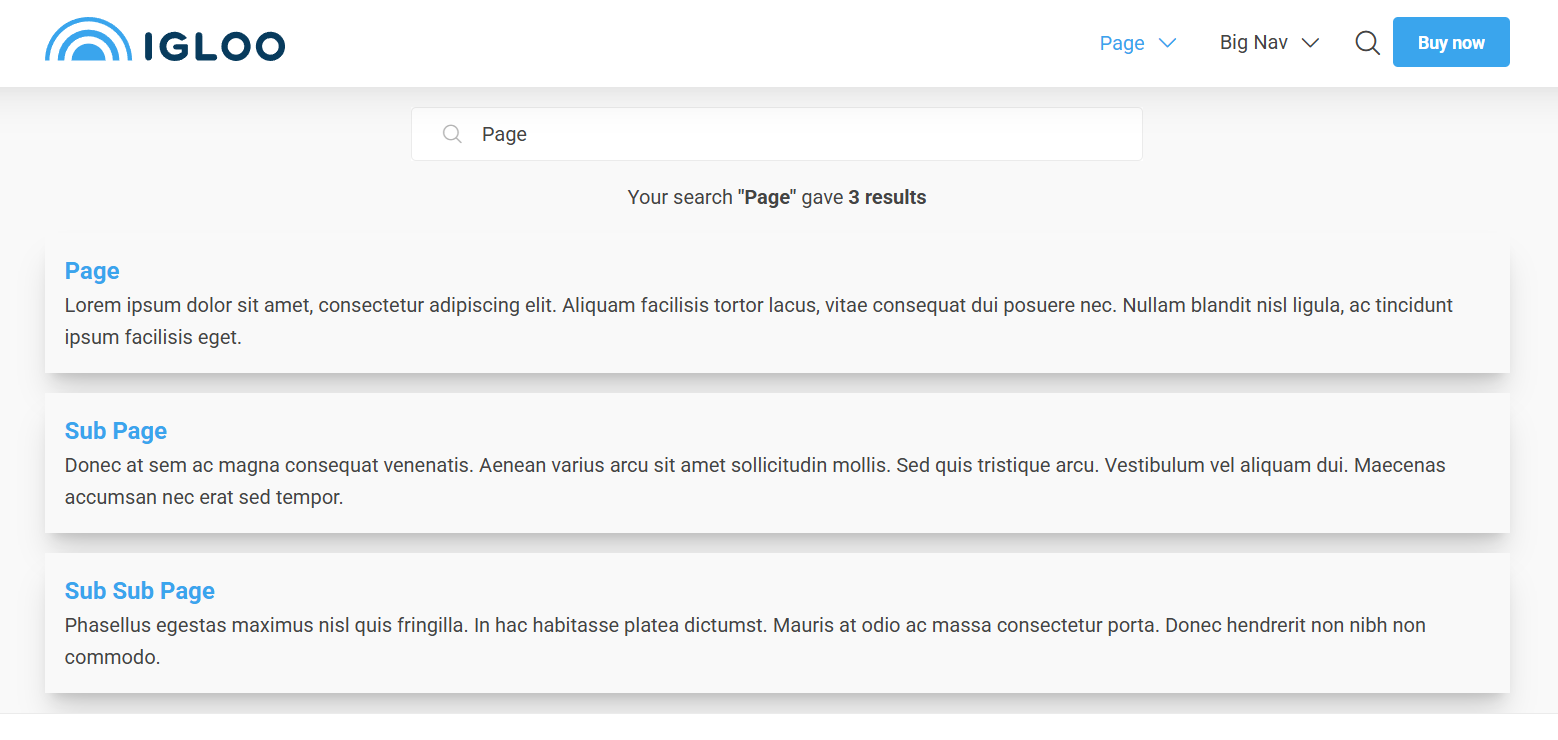
In the Settings > General node you can set how many search result should be visible on each page and to show the result in a Grid View instead of a list.
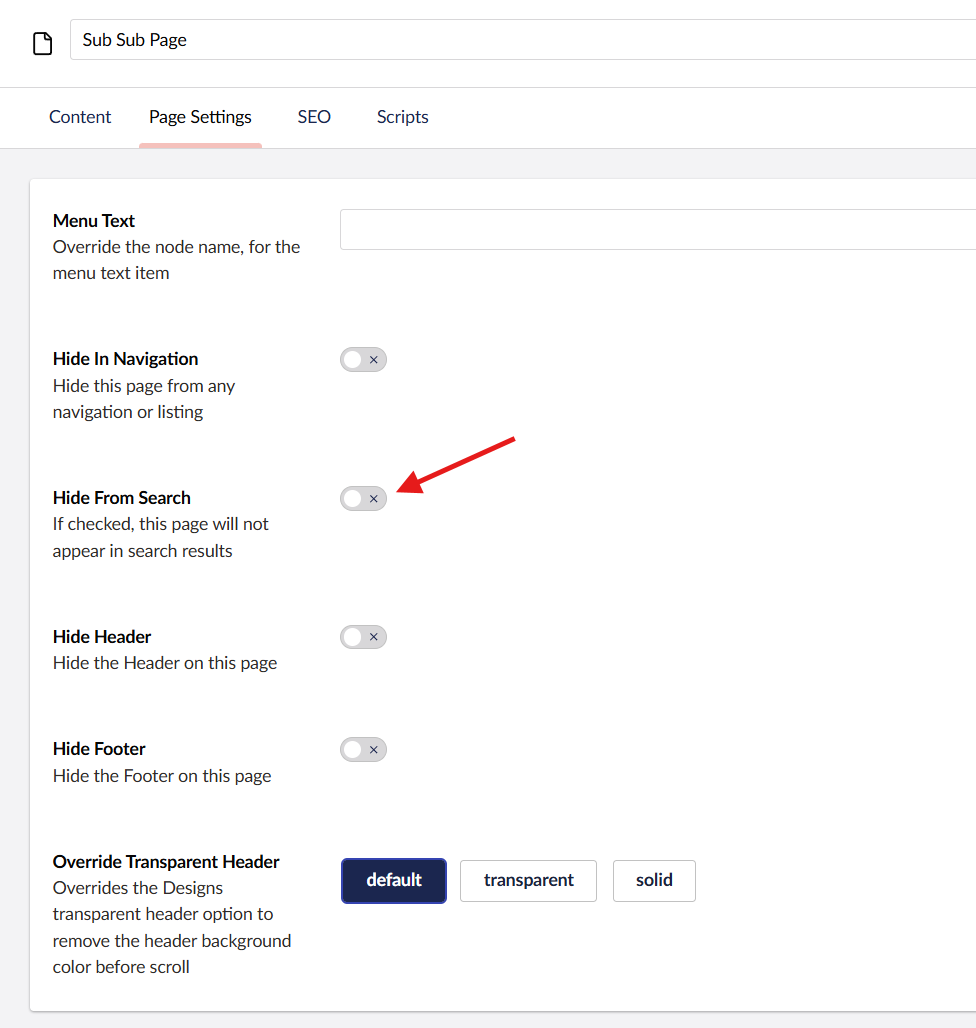
Hide pages from search
To hide a page from the search scroll down to the Settings section of that page and enable Hide From Search.
Add content to the search page
You can add any content widget under the search result. Open the Search node and add widgets under the Content section.