People
The People node enables you to add your team to the site. Start by creating the the People node in the root of your content tree.
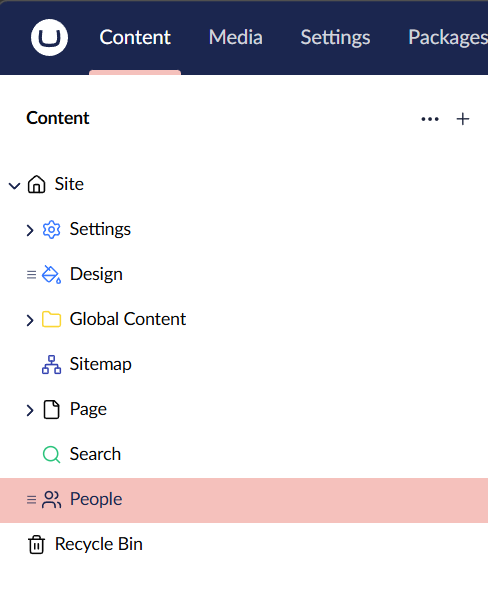
Under the People node you can now add a Person.
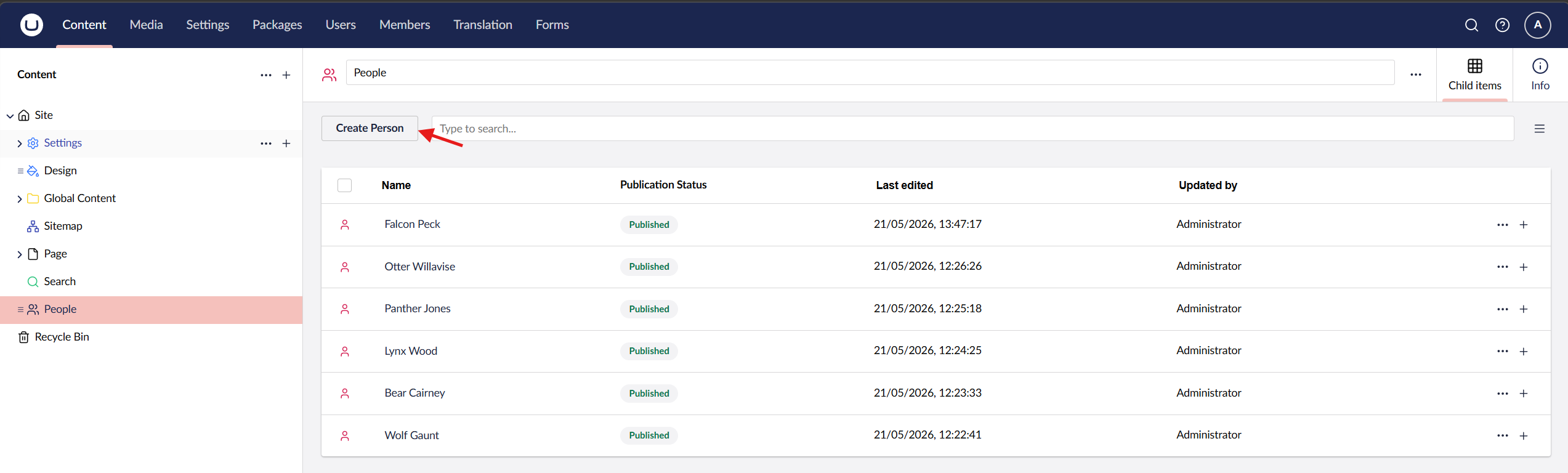
Information
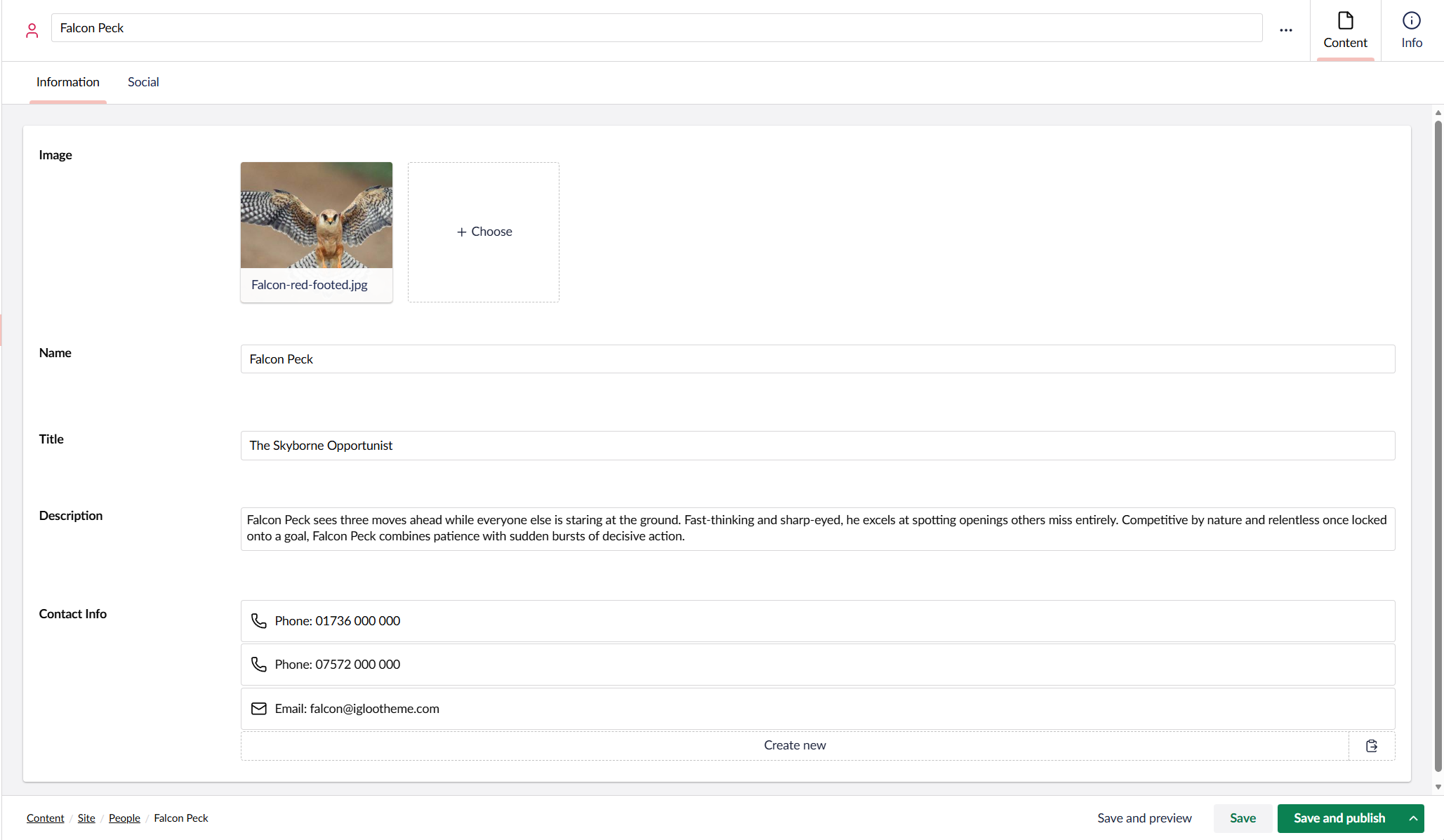
| Property | Description |
|---|---|
| Image | The person's photo, chosen from the media library. |
| Name | The person's full name. |
| Title | The person's job title or role. |
| Description | A short bio or description of the person. |
| Contact Info | A list of contact details for the person (see Contact Info). |
Social
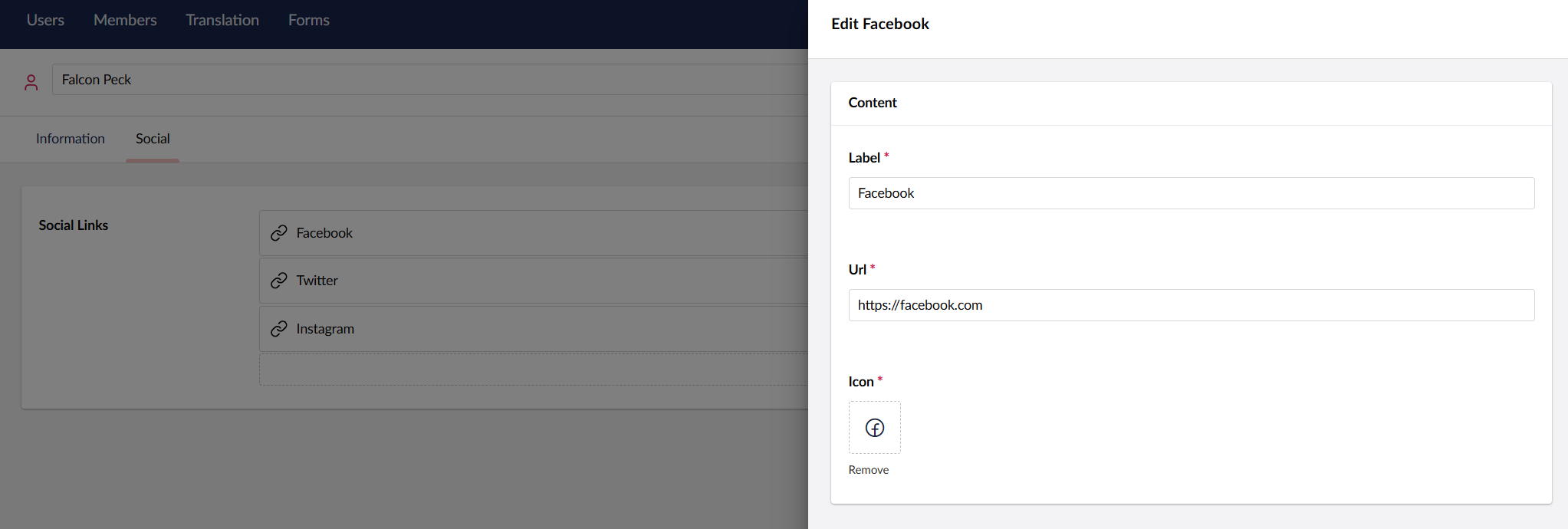
| Property | Description |
|---|---|
| Social Links | A list of links to the person's social media profiles (see Social Links). |
Display people on site
People can be added to the site using the People widget and Person widget. You can also set a person as author for a post.