Feed Item
A Feed Item is one entry in a Feed: a post, a customer story, a partner. Create items under their Feed (open the actions menu on the Feed and choose Create > Feed Item).
The item holds the content; how the item page looks is set once for the whole Feed by its Item Layout.
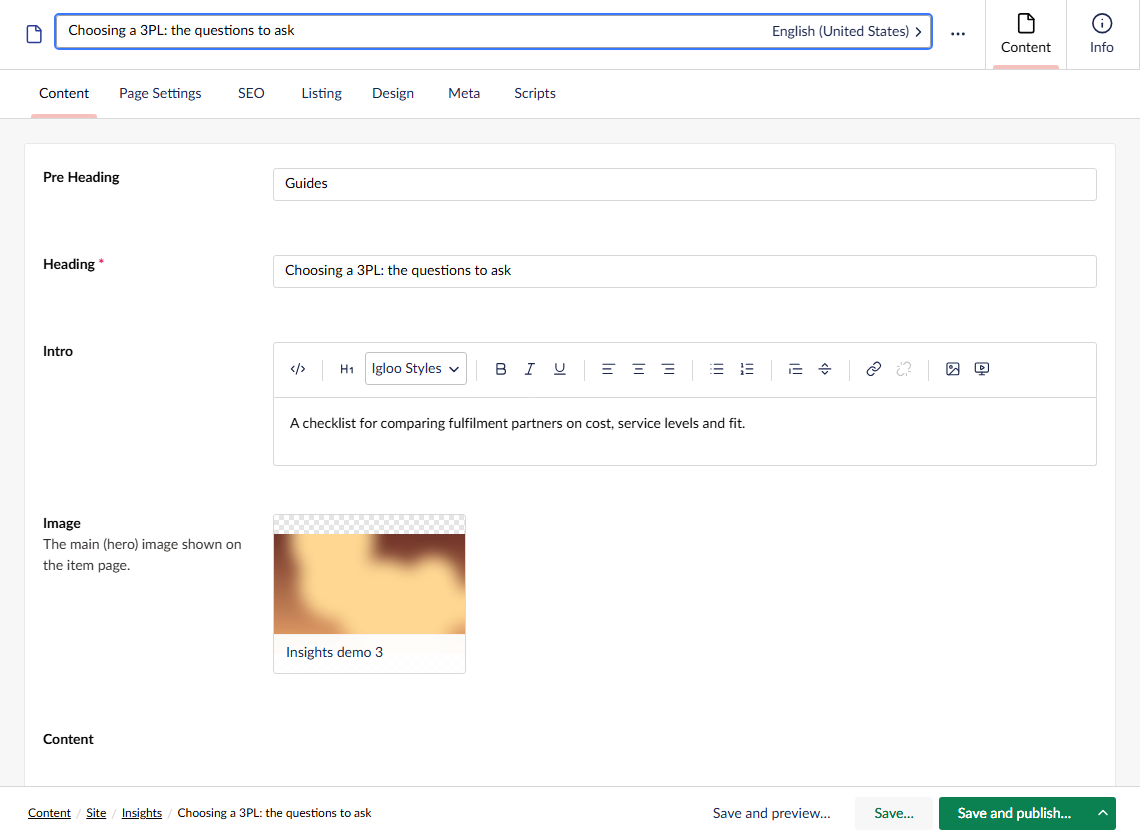
Content
| Property | Description |
|---|---|
| Pre Heading | Short text shown above the heading. |
| Heading | The item's title. Required. |
| Intro | An introduction shown below the heading. |
| Image | The main image on the item page, chosen from the media library. |
| Content | The body of the item, built with blocks like any page. The Content widget places it in the Item Layout. |
Listing
These fields control how the item appears in listings and filters.
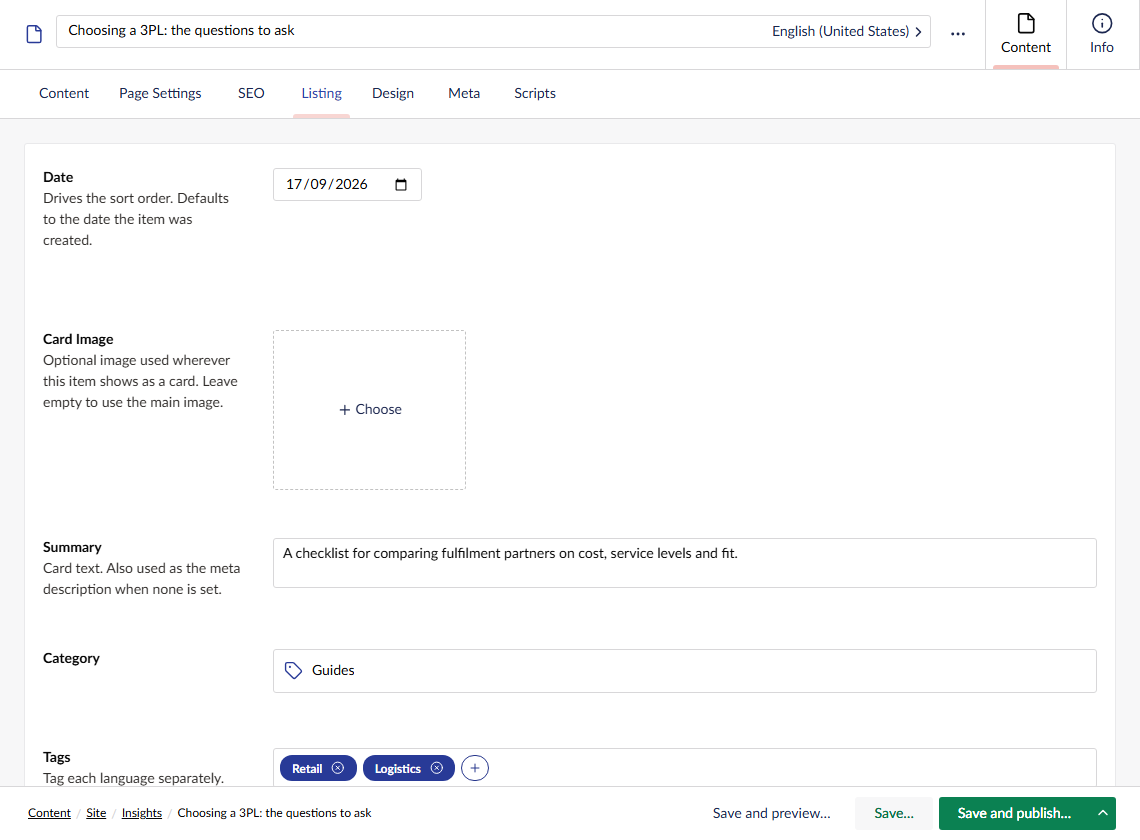
| Property | Description |
|---|---|
| Date | The item's date, used to sort items and shown by the Date widget and on cards. Leave it empty to use the date the item was created. The same date is used in every language. |
| Card Image | An optional image used wherever the item shows as a card. Leave it empty to use the main Image, then the Feed's Default Item Image. |
| Summary | The text shown on cards. Also used as the meta description when none is set on the SEO tab. |
| Category | The item's category, chosen from the Feed's Categories folder. One at most. |
| Tags | Free-text tags. Type each one and press Enter. Tag each language separately. |
| Link Override | Send visitors somewhere else instead of the item page, for example a partner's own website. Cards link straight to it, the item page redirects to it, and the item is left out of the sitemap and site search. |
| Featured | Pins the item to the top of listings that show featured items first. |
| Related Items | Other items to show first in the Related Items widget, before any automatic suggestions. |
Meta
| Property | Description |
|---|---|
| Author | The item's author, chosen from your People. Shown by the Author widget and, if the card setting is on, on cards. |
| Disable Comments | Hides comments on this item. |
The item also has the usual page settings and SEO tabs. When the SEO tab is left empty, the item's heading is used as the page title, its summary as the description and its card image (or main image) when the page is shared.